Every product, a video ad
Switch your design to video and every product plays it: the headline, price and badges come in on their own, in square, portrait and story. The feed carries an MP4 for each, next to the images.
Recorded by Richicat from three templates, exactly as the feed delivers them.
From a plain photo to a moving ad, in the AI Room
A real run from one of our feeds. Each step works on the result of the one before, and the last one makes it move. Set it up once, and every product gets the same treatment.
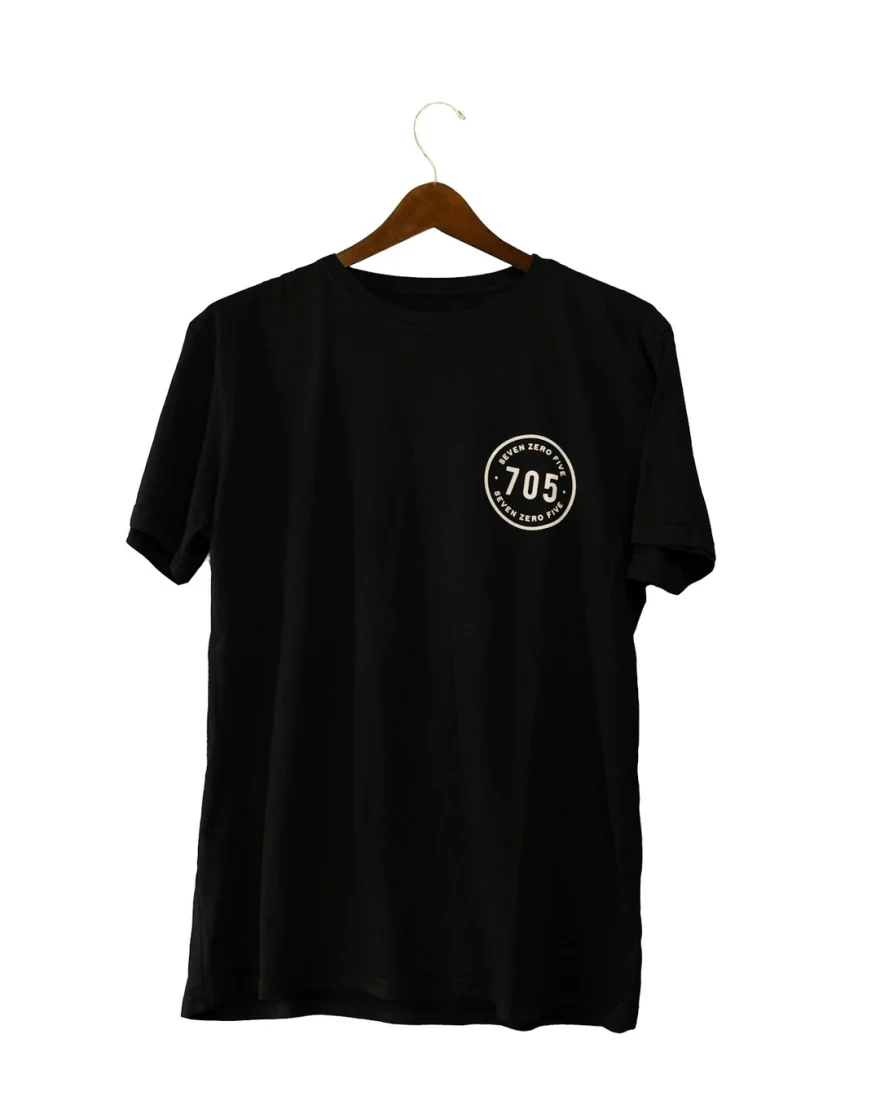
Your product photo
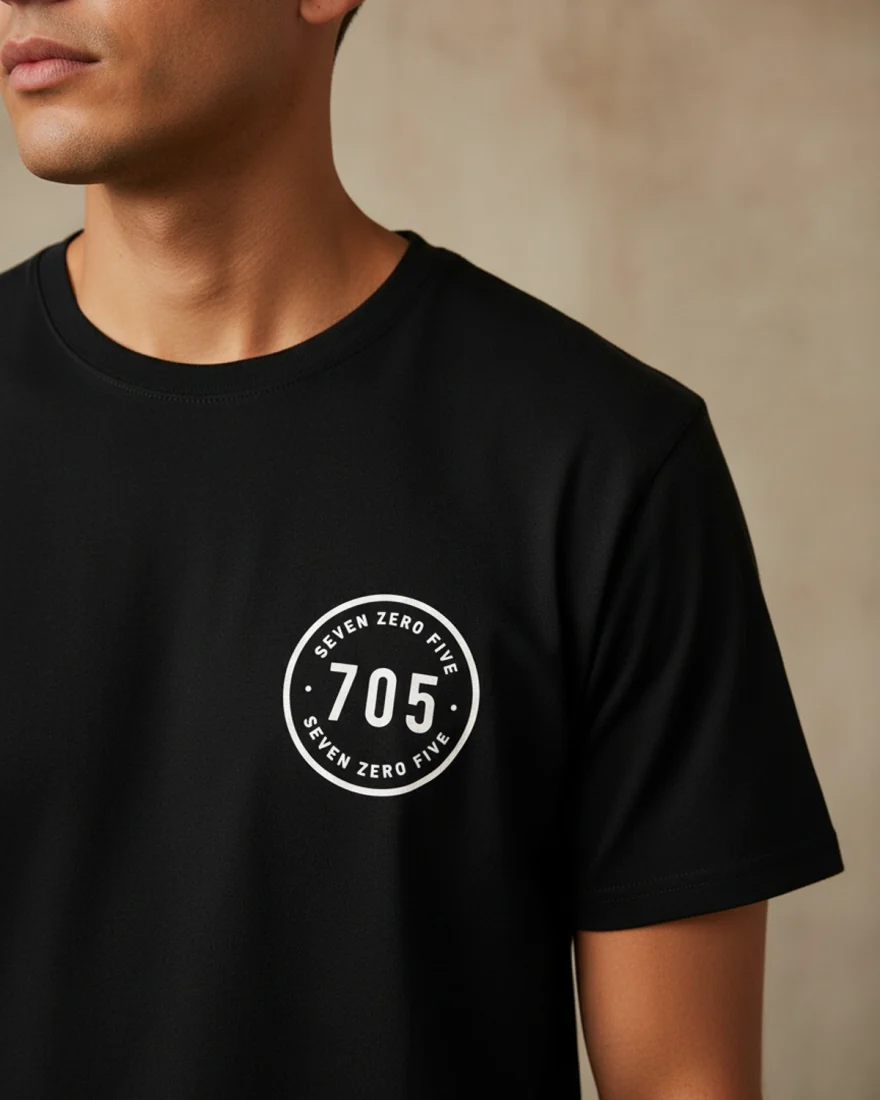
Show it worn
Make it move
Your design on top
- Select the product photo in the editor and open the AI Room.
- Add the steps the photo needs, like Remove background, Dress on a model or Show it worn.
- Add Make it move last. Auto picks a scene for each product, or choose one, like Water splash or Model turns. The clip starts from the finished photo.
- Check it on a few products, then apply it to all. Your text, price and logo stay on top.
Every step is optional: a good photo can go straight to Make it move. The photo steps cost a few credits each, and the clip is charged once per product. See every AI step.
Two kinds of video
Choose per design. Both keep your text, price and logo sharp on top.
Moving
No credits
Your design comes to life: the headline, price and badges come in one after another, and the photo slowly zooms. Works on every template and every product.
AI video
50 credits a product for 5 seconds, 80 on Best
AI turns the product photo into a short scene that fits what it is: a shampoo gets a water splash, a jacket moves in the breeze, a coffee gets steam. Auto picks one for each product across 26 kinds of products, or you choose. The product never changes shape.
Five ways in
Each style is a whole entrance for every layer. Ads run 6 or 10 seconds, and you can drag any layer on the timeline to change when it comes in.
Into your catalog, next to the images
The same feed link carries both. Nothing new to set up in Commerce Manager.
- Switch the design to Video in the editor. Every product plays it.
- Publish. Richicat records an MP4 for every product in square, portrait and story.
- The feed lists each video next to the images. Meta plays them in Feed, Stories and Reels, and keeps the image as a fallback.
Questions
Do video ads cost extra?
Moving ads are included on every plan, with no credits. AI video, where the product photo itself becomes a clip, uses credits: 50 a product on Standard or 80 on Best for a 5 second clip, double for 10 seconds.
Which sizes are videos made in?
Square, portrait and story: the shapes Meta plays catalog videos in across Feed, Stories and Reels. Landscape and tall stay images.
Is a clip charged again when I publish?
No. An AI clip is made once per product photo and style, and reused after that. Changing text, colours or timing never makes a new clip.
Do I need to change anything in Commerce Manager?
No. The videos go into the same feed link as the images, and Meta picks them up on its next fetch.