Edit one ad. Every product follows.
A full canvas editor built for catalogs. Change a headline, a colour or a font on one design, and the change lands on every product’s ad in every size.
A tour of the editor
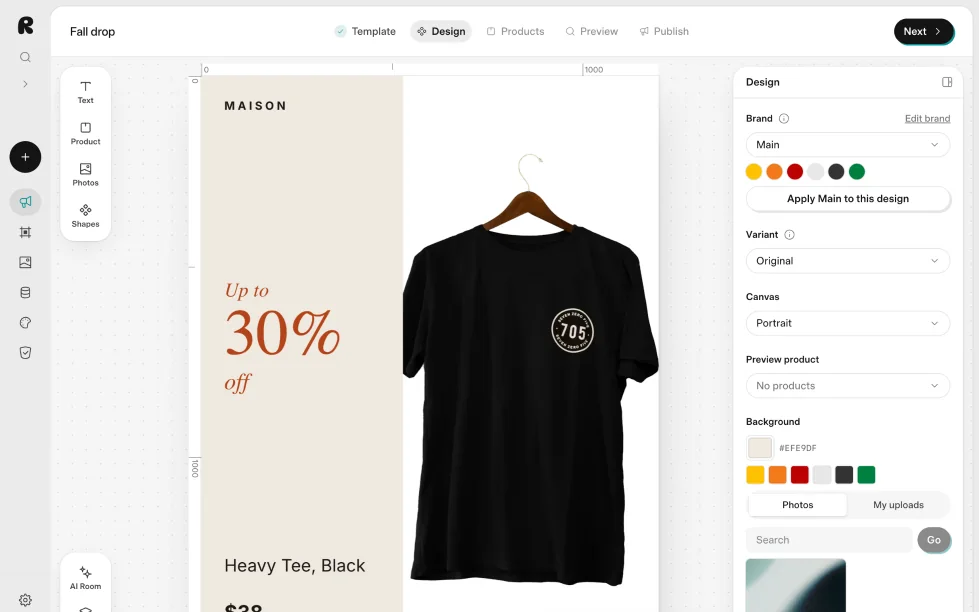
Add things
Text, product fields, photos and shapes from the rail. The AI Room sits at the foot.
Five steps
Template, Design, Products, Preview, Publish. The editor is the Design step.
The canvas
The ad at its real size, with rulers and guides that snap layers into line.
The inspector
With nothing selected, the design: brand, canvas size, preview product and background. Select a layer to edit it.
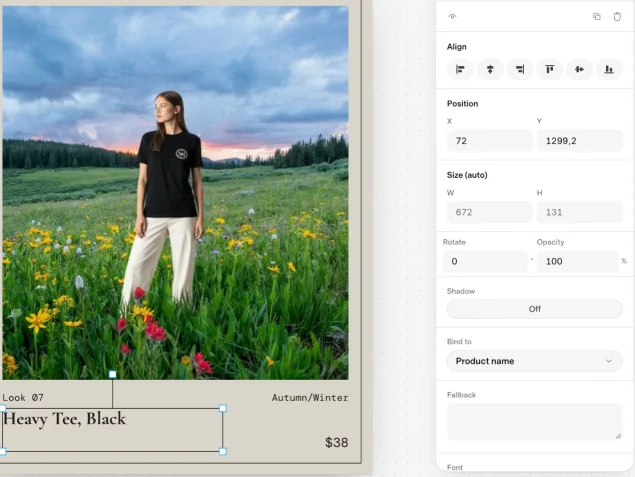
Text that fills itself in
Bind a text layer to a field and every product’s ad shows its own value. A discount badge stays empty on full-price products, so the same design works for both.
- Product
- Product name, Handle, Category, Brand, Description, Tags, Options, Product link, SKU
- Pricing
- Price, Was price, Discount, Sale flag, Off flag, Discount badge, Price (no symbol)
- Brand
- Tagline, Website, Social handle, Legal line
- Feed
- Feed name
Four products, one design
Change a headline, a colour or a font once. Each product brings its own photo, name and price to the same design.
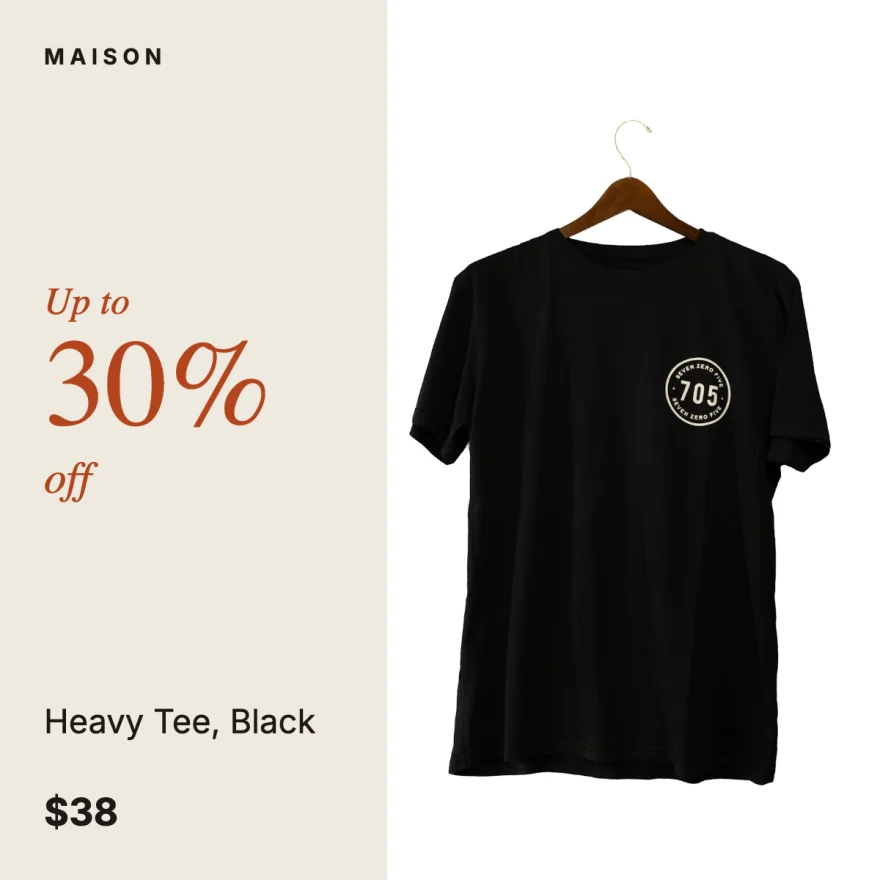
Heavy Tee
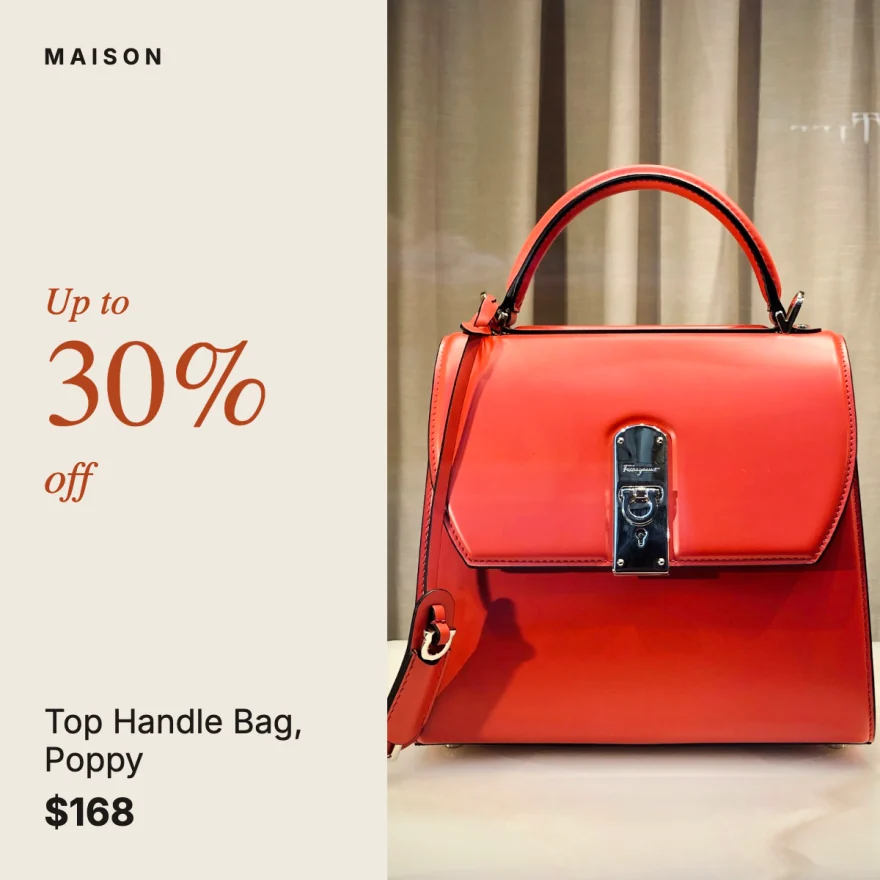
Top Handle Bag

Suede Derby

Pearl Strand
Everything you expect from a design tool
Text
- Every font in the Richicat library
- Long product names shrink to fit their box
- Bind any text to a product field
Photos
- Up to six photos per product
- Free stock photos, or your own uploads
- AI steps on any photo layer
Shapes
- Shapes, frames and icons
- Fills, gradients and outlines
- Your logo, wherever a design has room
Effects
- Shadows and opacity
- Blend modes: multiply, screen, overlay, darken, lighten
- Rotation, position and size to the pixel
Layout
- Rulers and snapping guides
- Layers you can reorder, lock and hide
- Undo and redo
Sizes
- Five sizes from one design
- Each size laid out on its own
- Adjust one size without touching the rest