Better product photos for every ad, in one step
Add an AI step to the photo in your template and it runs for every product: a clean cut-out, a lifestyle scene, or the product worn by a model. Optional, and you only pay credits for what you use.
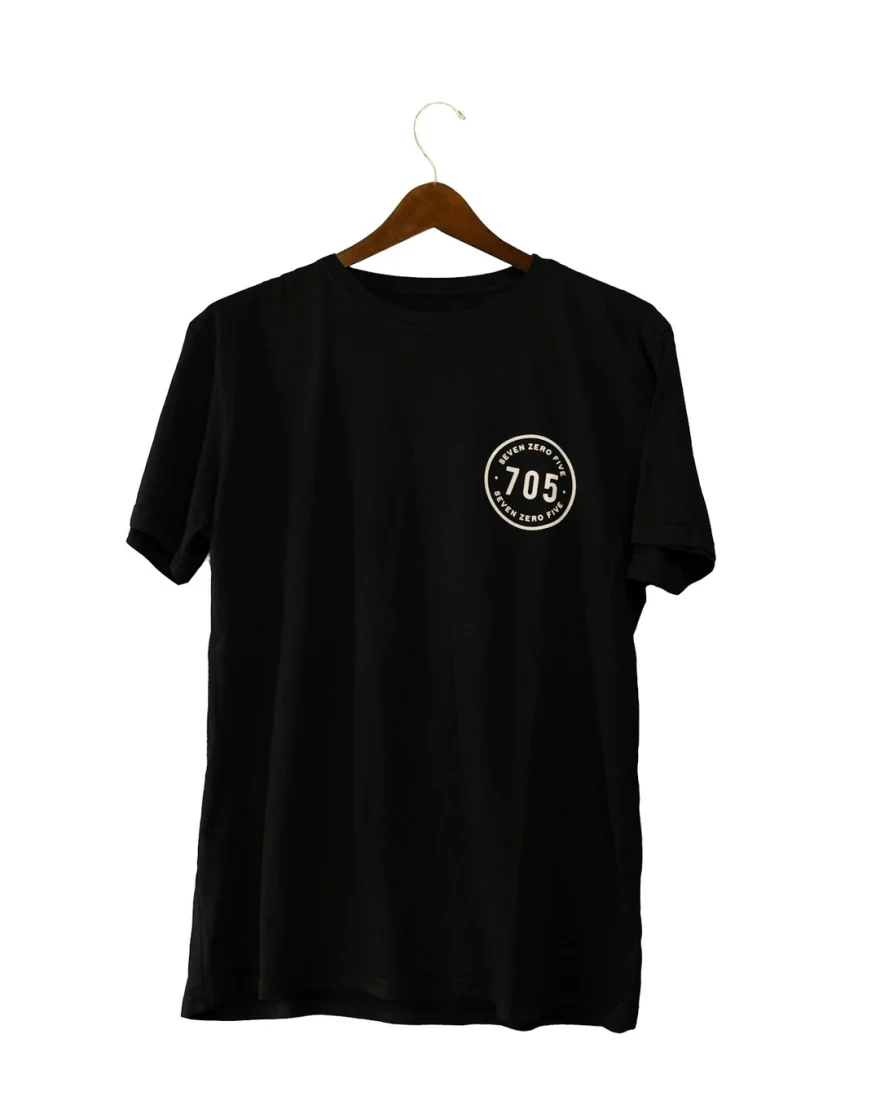
Your product photo
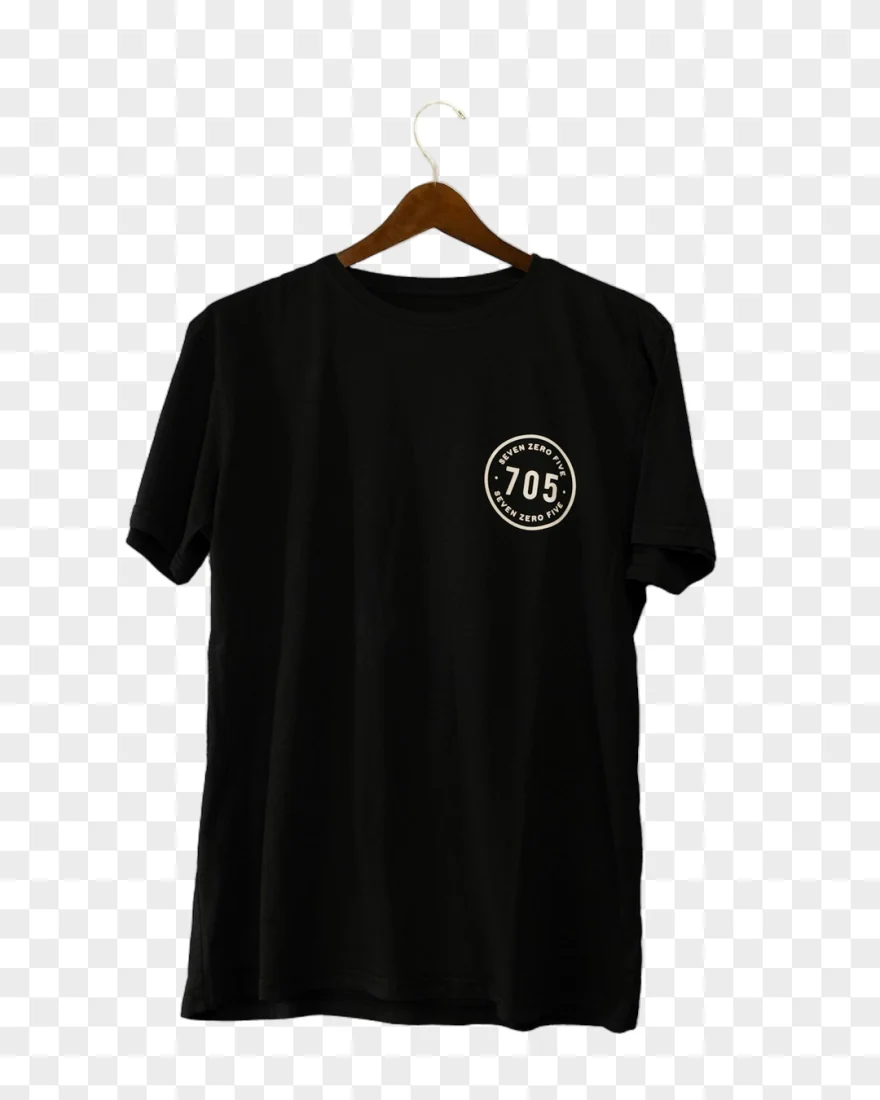
Remove background
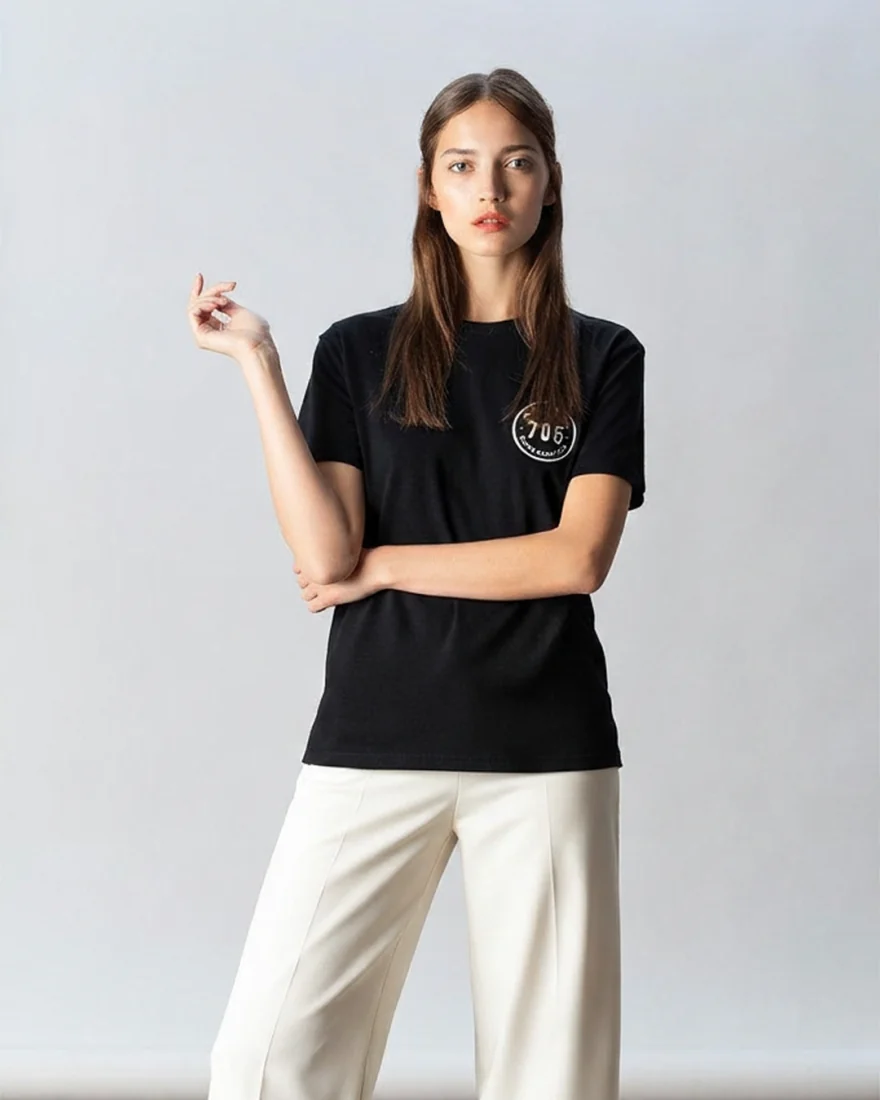
Dress on a model
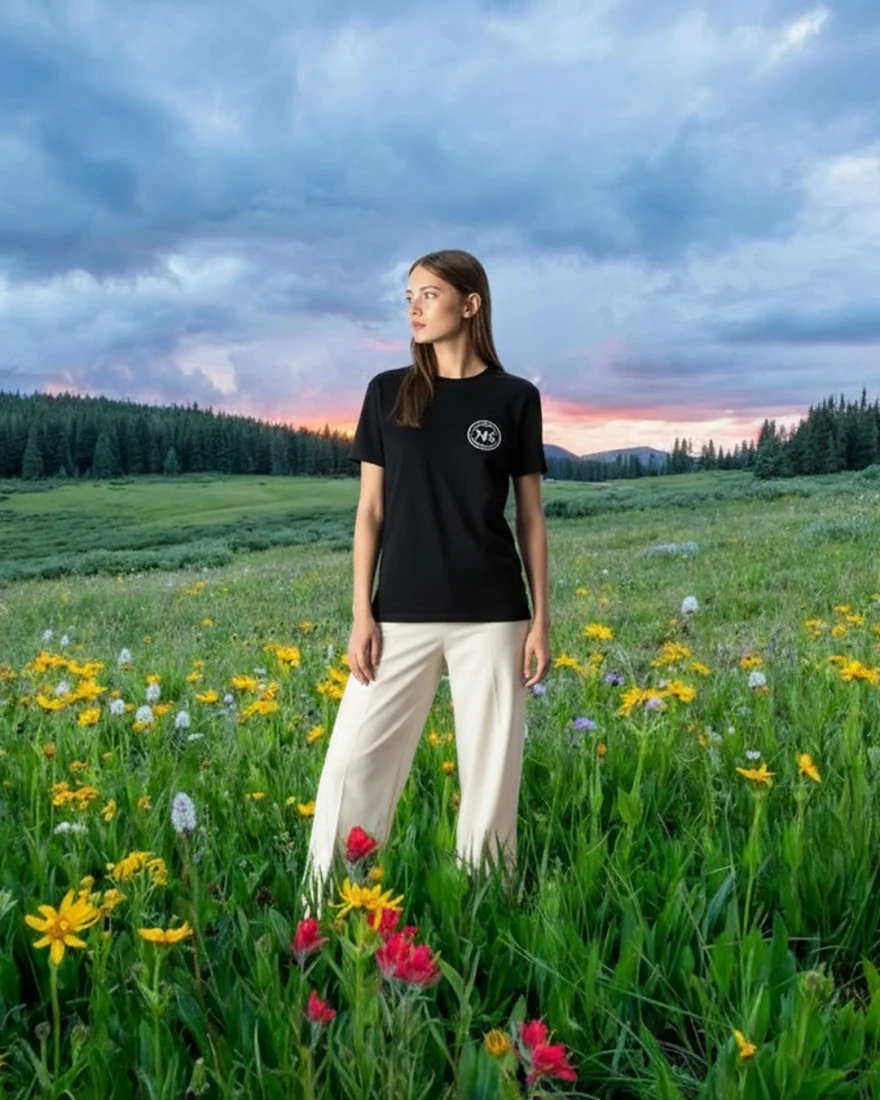
Blend into a scene
One product photo and three steps, each working on the one before. This is the actual output, not a mock-up.
11 things AI can do to a photo
Standard is fast and right for most catalogs. Best uses our strongest model for more detail, at more credits.
| Step | What it does | Standard | Best |
|---|---|---|---|
| Remove background | A clean cutout. The product stays pixel-exact. | 1 | 3 |
| Put in a scene | Swaps the background. The product, and anyone wearing it, stay exactly as they are. | 5 | 20 |
| Blend into a scene | Re-shoots the photo in the scene: the model or product becomes part of it, like sitting on the sofa or walking the trail. | 5 | 20 |
| Dress on a model | The garment, worn by a model you pick. | 10 | 20 |
| Show it worn | Jewelry, watches, eyewear and bags, on a person. | 5 | 20 |
| Ghost mannequin | Removes the mannequin or hanger. The garment keeps its shape. | 5 | 20 |
| Clean up | Removes watermarks, logos, stickers and text around the product. | 5 | 20 |
| Add shadow | A soft, real shadow under the product, so it never looks pasted on. | 5 | 20 |
| Relight | Studio light that matches the product to its background. | 5 | 20 |
| Extend to fit | Grows the background to fill the frame, so nothing gets cropped. | 5 | 20 |
| Upscale | Sharper and bigger. Best for small or soft feed photos. | 1 | 10 |
Credits per product photo.
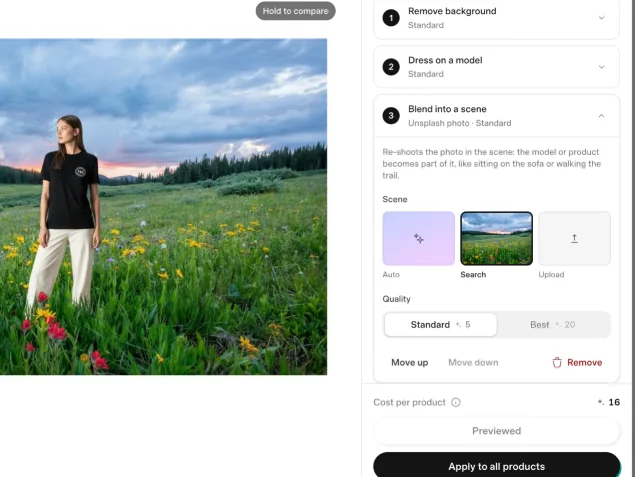
Set it once, for the whole catalog
- Select a photo layer in the editor and open the AI Room.
- Stack up to 4 steps. Each one works on the result of the step before.
- Check it on a few products. The cost per product is shown before you run it.
- Apply it to all products. New products get the same steps when they arrive.
Any place to put a product
Choose a setting once for the whole feed. The product stays exactly as it is.
Auto
Each product gets a setting that suits what it is.
Search
Pick any photo from millions on Unsplash as the setting.
Your own photo
Upload your shop, studio or location, and every product goes there.
What a month of credits buys
Credits come with every plan each month, and you can top up any time. You only spend them on the steps you run.
Starter
1,000
credits a month
- 1,000 background removals
- or 100 products on a model
Pro
3,000
credits a month
- 3,000 background removals
- or 300 products on a model
Scale
10,000
credits a month
- 10,000 background removals
- or 1,000 products on a model
Questions
Which plans include AI credits?
Starter includes 1,000 credits a month, Pro 3,000 and Scale 10,000, and you can top up on any of them. The 7-day free trial comes with 10 credits to try it.
Are AI steps required?
No. Most stores run their ads with their own product photos. AI steps are there when a photo needs help.