Every Shopify product, a finished Meta ad.
Pick one template. Richicat makes a catalog ad for every product, as an image and as a video, in every size Meta shows.
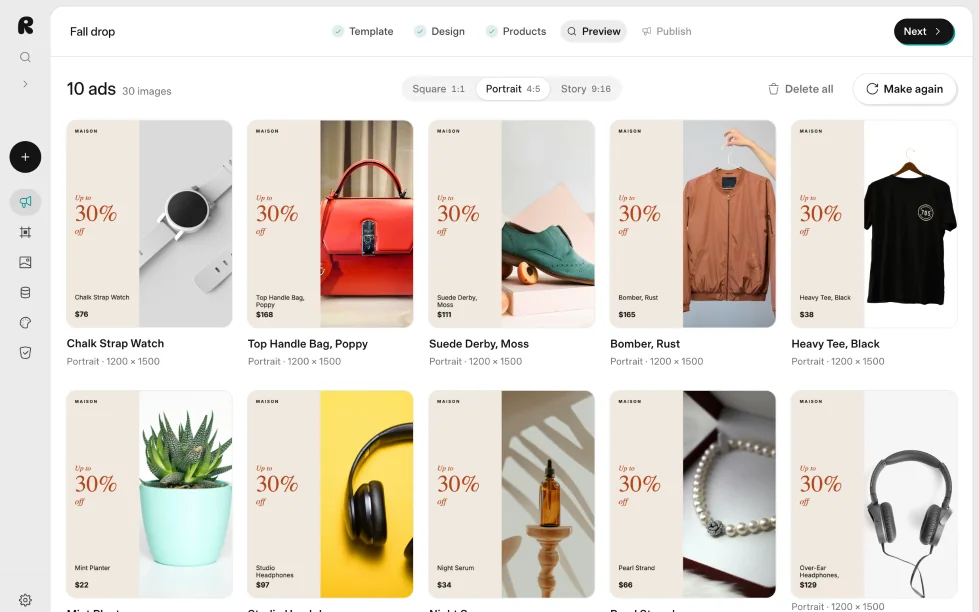
Your catalog ads look like everyone else's.
By default, Meta shows your product photo and nothing else. Richicat adds your brand, the price and the offer, for every product at once.


Three steps, and you never design an ad.
Bring in your catalog
Upload the product CSV Shopify exports, or connect your store. Every product, variant, photo and price comes in.
Pick a design
Every template already shows your own products. Pick one and change words, colours and fonts to match your brand.
Add one link to Meta
Richicat builds a catalog feed with every finished ad and video. Add its link in Commerce Manager once, and Meta fetches it on your schedule.
Every ad is a video, too.
Switch the design to video and every product plays it. Meta gets an MP4 for each, in square, portrait and story, in the same feed as the images.
Moving ads use no credits. With AI video, the product photo itself becomes a short clip, with your design on top.
165 templates, already wearing your products.
You never preview a stock photo. You choose by how your own ads will look. New templates land every week, with many more to come.
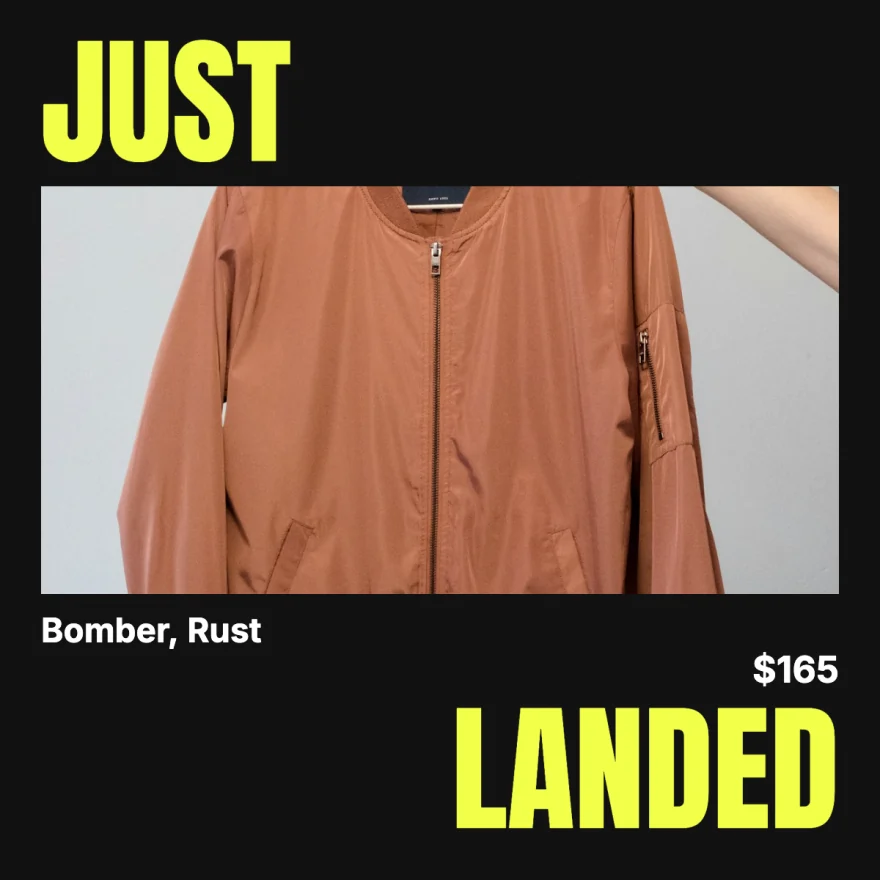

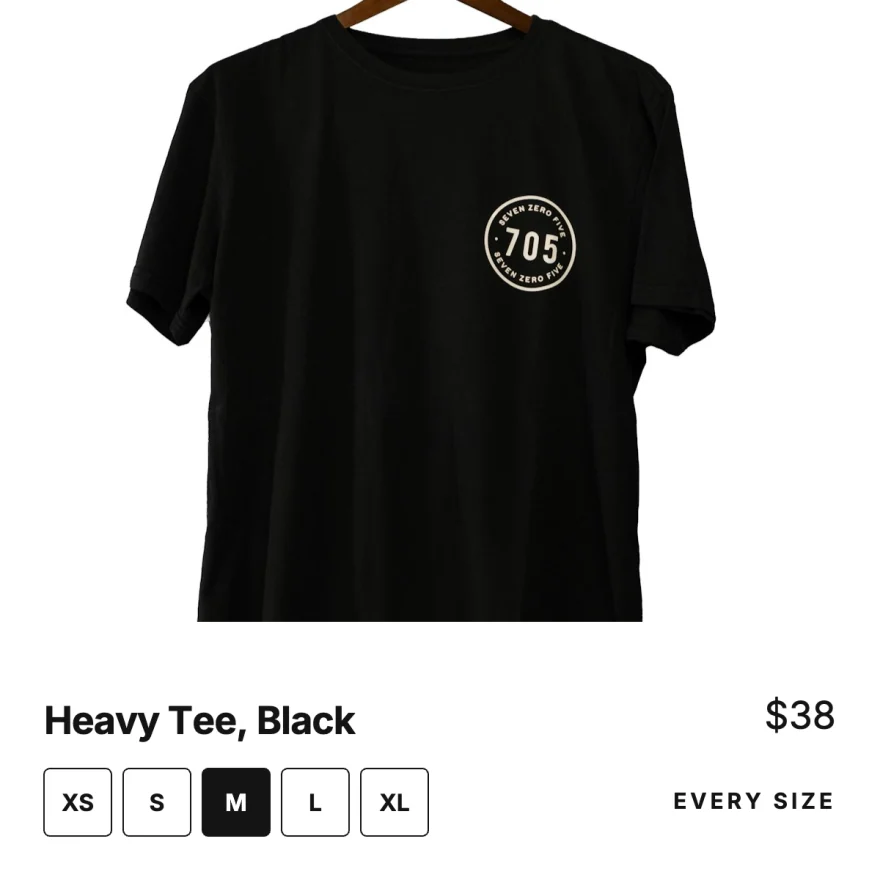
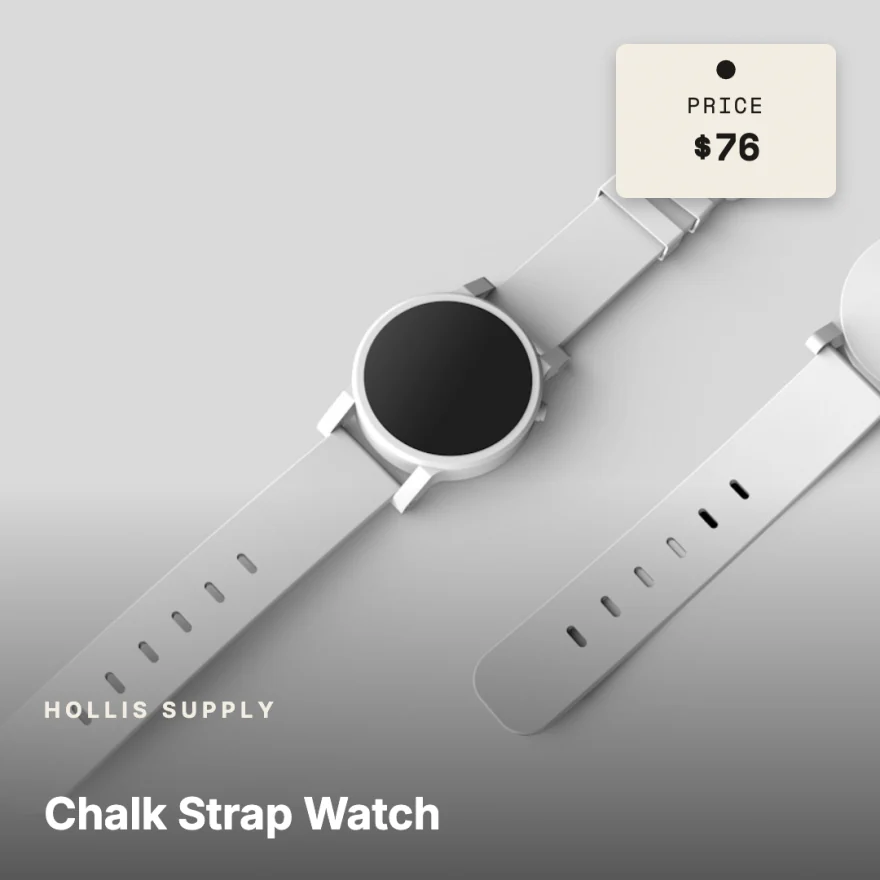


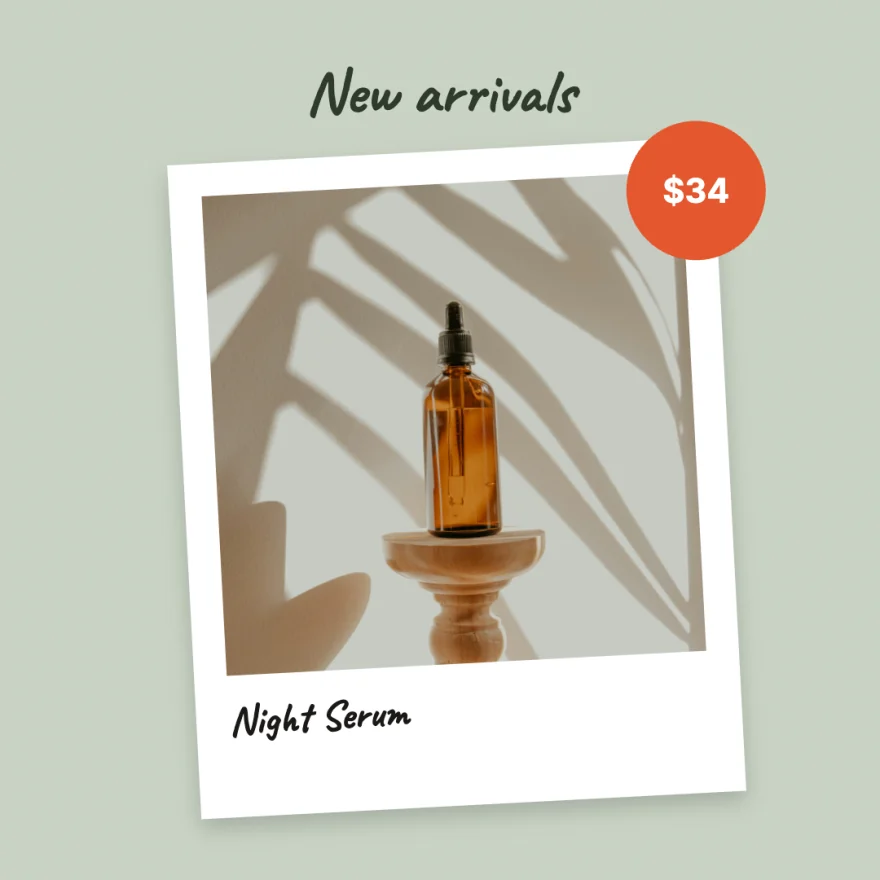
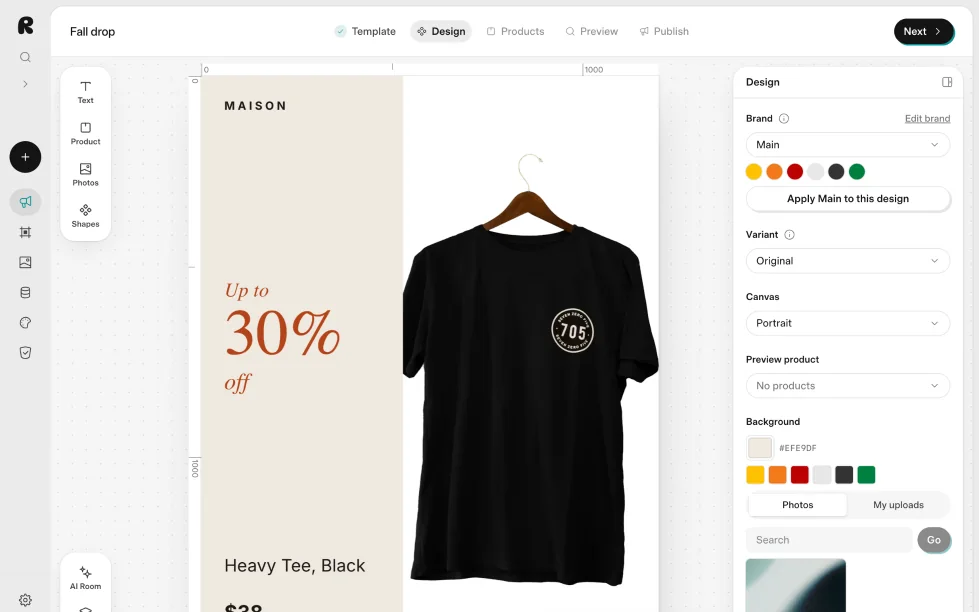
Change the design once. Every ad follows.
Edit the template, not the ads. Each product fills in its own photo, name and price, in your colours, fonts and logo.
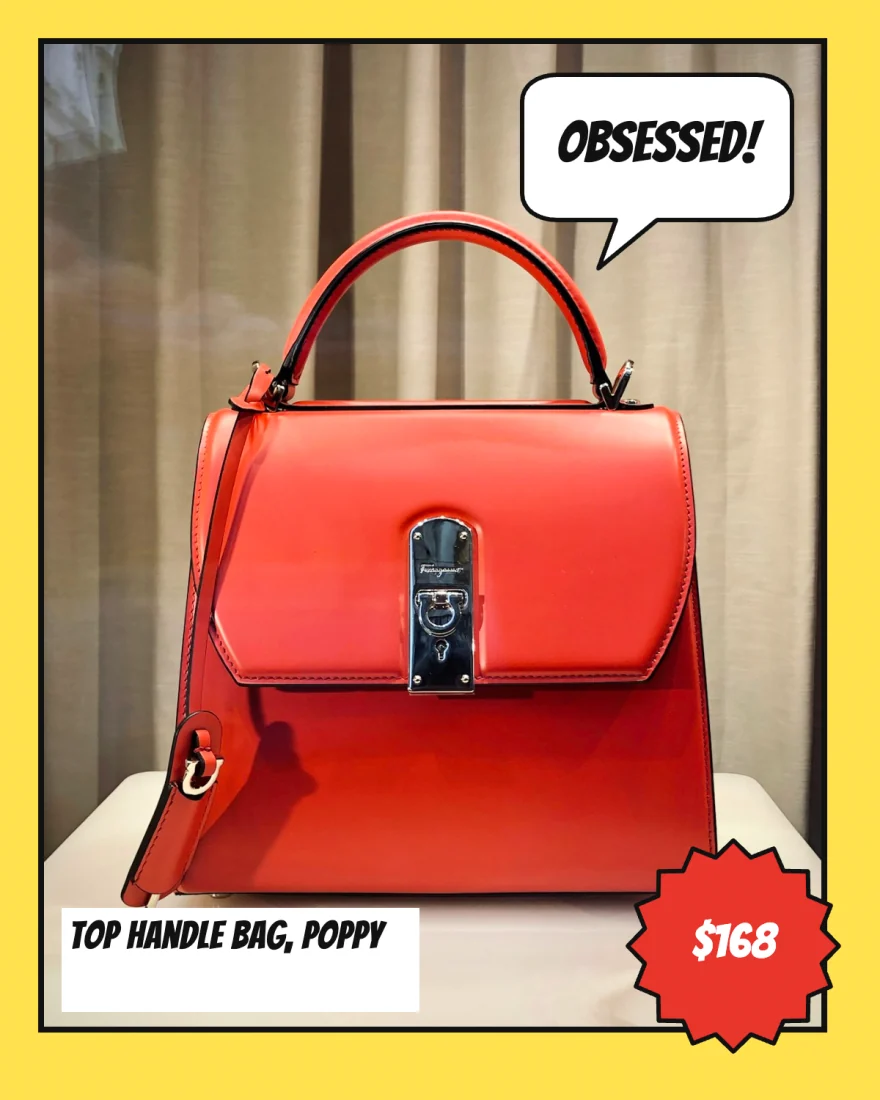
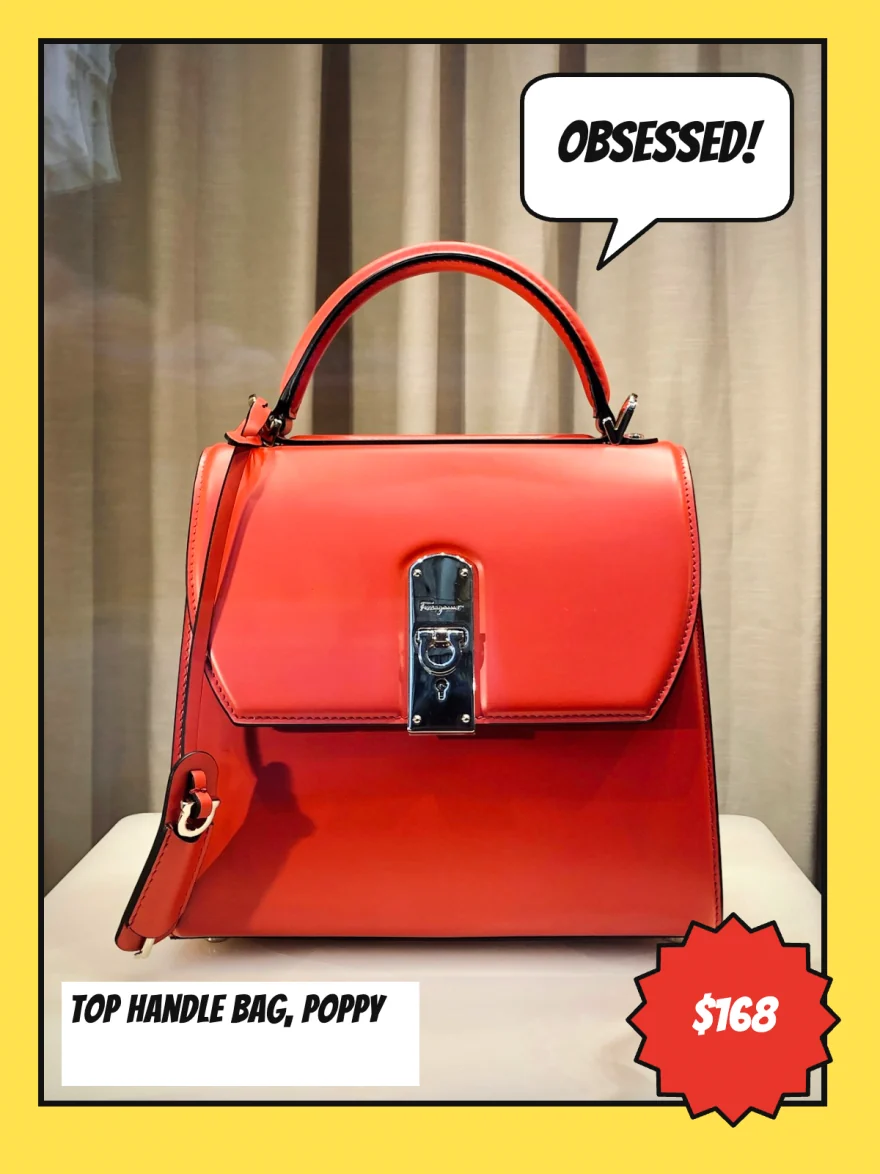
Five sizes, each laid out on its own.
Not one image stretched five ways. The text stays clear of Instagram's buttons.


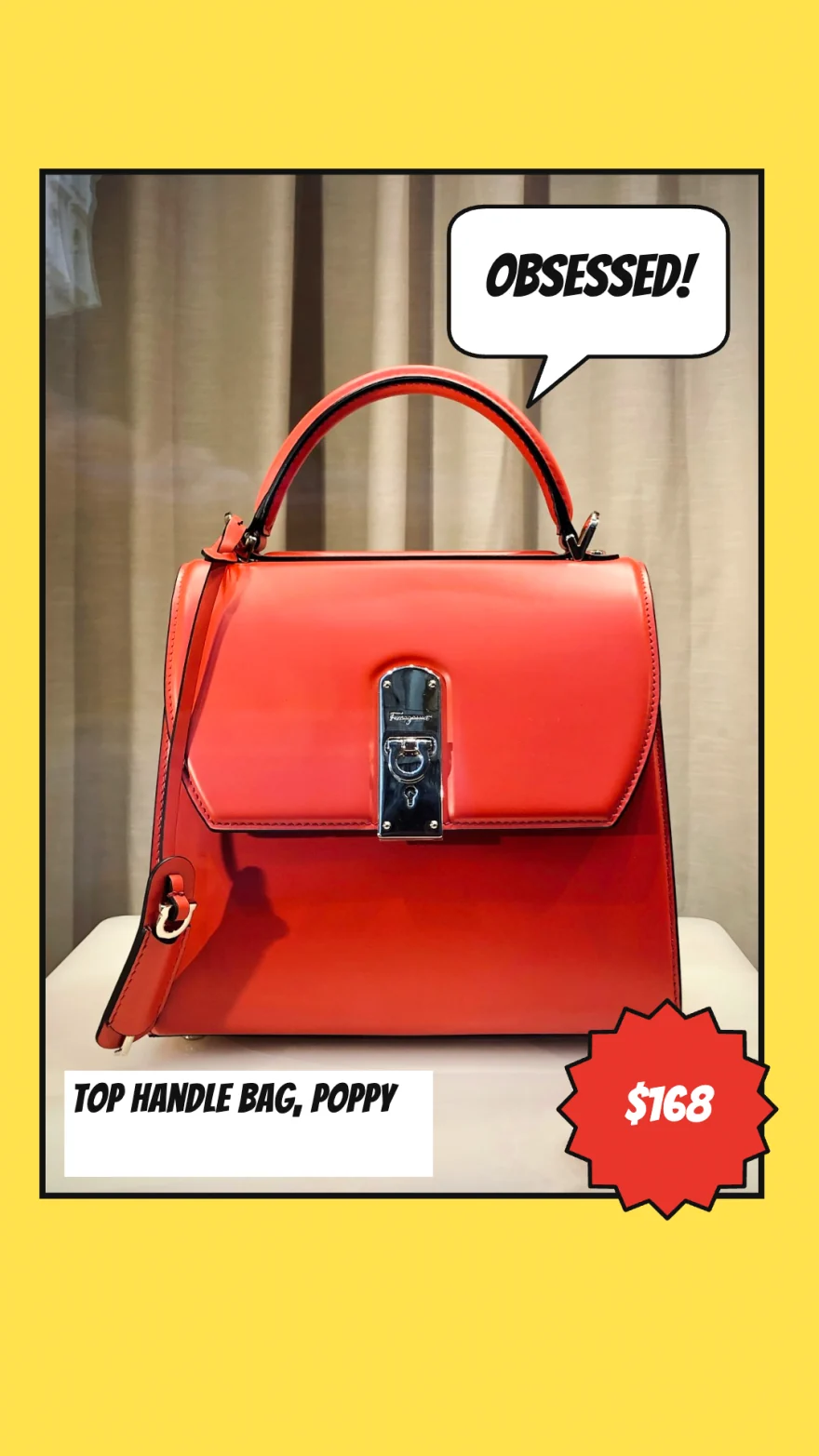
Fix weak product photos with AI.
No photoshoot needed. Stack AI steps on a photo once, and every product in the feed gets the same treatment.
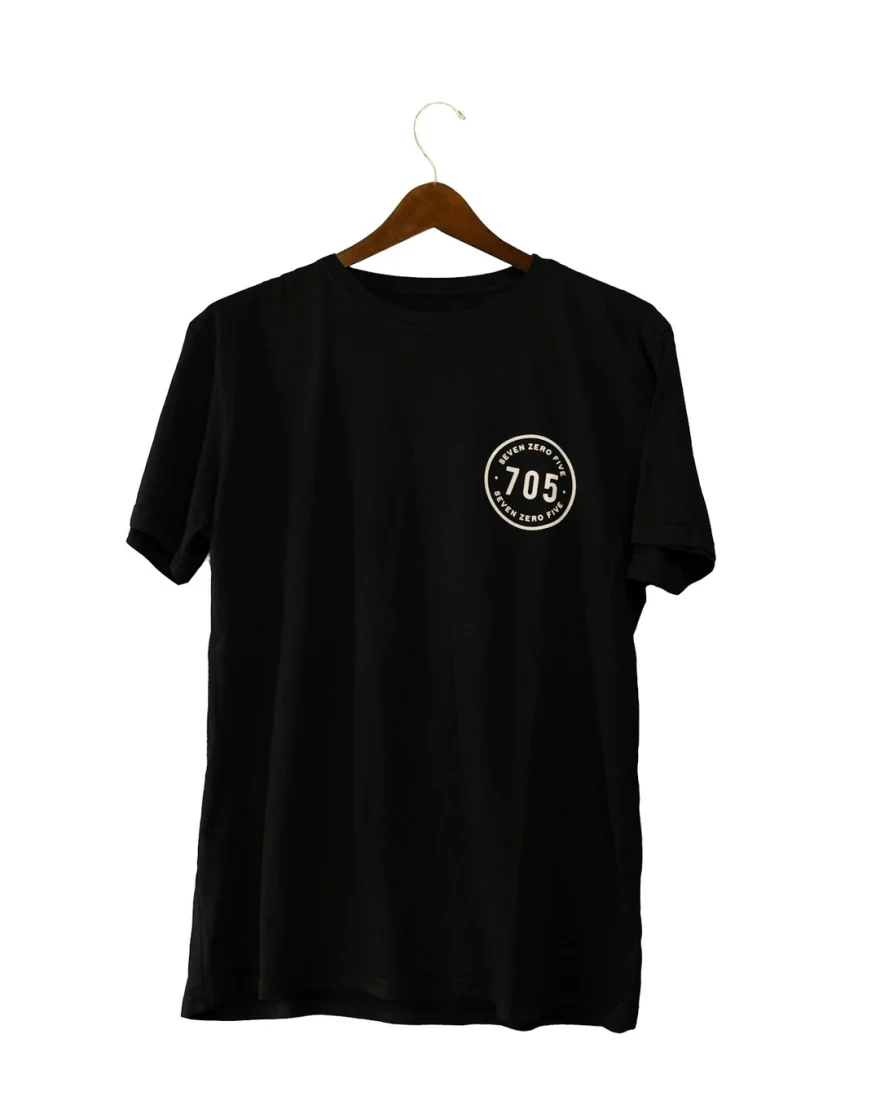
Your product photo
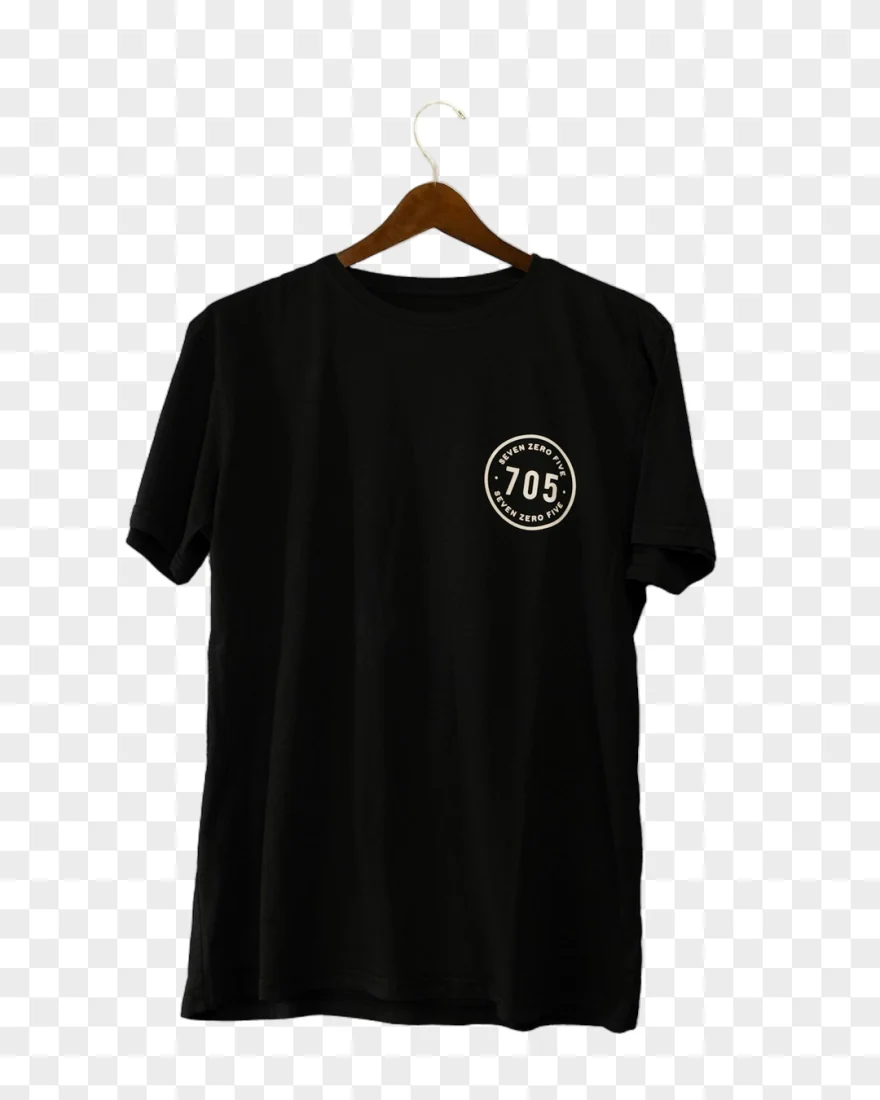
Remove background

Dress on a model

Blend into a scene
Also in the AI Room: Turn it into a video clip, put in a scene, show it worn, ghost mannequin, clean up, add shadow. Credits come with every plan.
Safe to try on a live store.
- Read-only
- The Shopify app only reads products. It never writes to your store and never sees customers or orders.
- Variants are free
- A product counts once, however many colours and sizes it comes in.
- Prices stay current
- A connected store syncs instantly, hourly or daily, so the feed carries the price and stock Shopify has.
- No card to start
- Seven days of everything, feed included, before you pay. Plans cancel any time.
Try it free for 7 days. Then pick the plan that fits your catalog.
Starter
For small stores getting started with catalog ads.
$59/month
- 30 products, variants free
- 1 source: a Shopify store or CSV
- 1,000 AI credits every month
- All premium templates
- Meta catalog feed and Shopify sync
- +1 source for $19/mo each
- Most stores
Pro
For stores running catalog ads.
$99/month
- 100 products, variants free
- 1 source: a Shopify store or CSV
- 3,000 AI credits every month
- All premium templates
- Meta catalog feed and Shopify sync
- Unlimited team members
- +50 products for $29/mo when you need them
- +1 source for $19/mo each
Scale
For big catalogs.
$249/month
- 500 products, variants free
- 1 source: a Shopify store or CSV
- 10,000 AI credits every month
- All premium templates
- Meta catalog feed and Shopify sync
- Unlimited team members
- +250 products for $79/mo when you need them
- +1 source for $19/mo each
Agency
For agencies running ads for many stores.
$499/month
- 1,000 products, variants free
- 10 sources: Shopify stores or CSVs
- 20,000 AI credits every month
- All premium templates
- Meta catalog feed and Shopify sync
- Unlimited team members
- +500 products for $129/mo when you need them
- +1 source for $19/mo each
Try everything free for 7 days. 10 products, 10 AI credits, every template and a live feed. No card needed.
Prices in USD. Cancel any time.
Questions, answered.
How does Richicat work?
Connect your Shopify store or upload a Shopify product CSV, then design one ad template. Richicat fills it with every product’s photo, name and price, and renders a finished ad for each one.
Which ad sizes do I get?
Every product comes out in the three Meta placements: square 1080×1080 for the feed, portrait 1080×1350, and 1080×1920 for Stories and Reels. Text and photos are laid out for each size, not just cropped.
Can my catalog ads be videos?
Yes. Switch the design to video and every product plays it as a 6 or 10 second MP4 in square, portrait and story, next to the images in the same feed. Moving ads use no credits; AI video, where the photo itself becomes a clip, uses credits.
How do the ads get into Meta?
Richicat creates a catalog feed for your products and gives you its link. Add it as a data source in Meta Commerce Manager and your catalog ads use the finished images, with every product’s link, price and availability.
What happens when a price changes?
Richicat keeps your products in sync with Shopify, instantly, hourly or daily, so the feed Meta reads always carries the current price and stock. Update the feed in Richicat to refresh the ad images as well.
Does Richicat change anything in my store?
No. The Shopify app has read-only access to your products. It never reads customers or orders and never writes to your store.
Is there a free trial?
Yes. Every new account gets 7 days of everything: 10 products, 10 AI credits, every template and a live Meta feed, with no card needed. After that, Starter is $59 a month for 30 products, Pro $99 for 100, Scale $249 for 500 and Agency $499 for 1,000. Paying yearly gets you two months free.
Do variants count as separate products?
No. A product with ten colours or sizes counts once, and every variant is included at no extra cost.